Tariff Refund Suite™ TRS-197 v2.6Recover Overpaid Tariffs
The complete CAPE Edition refund operating system. Identify overpayments, determine the correct filing path, organize documentation, and prepare executive-ready recovery materials — across every major tariff program.

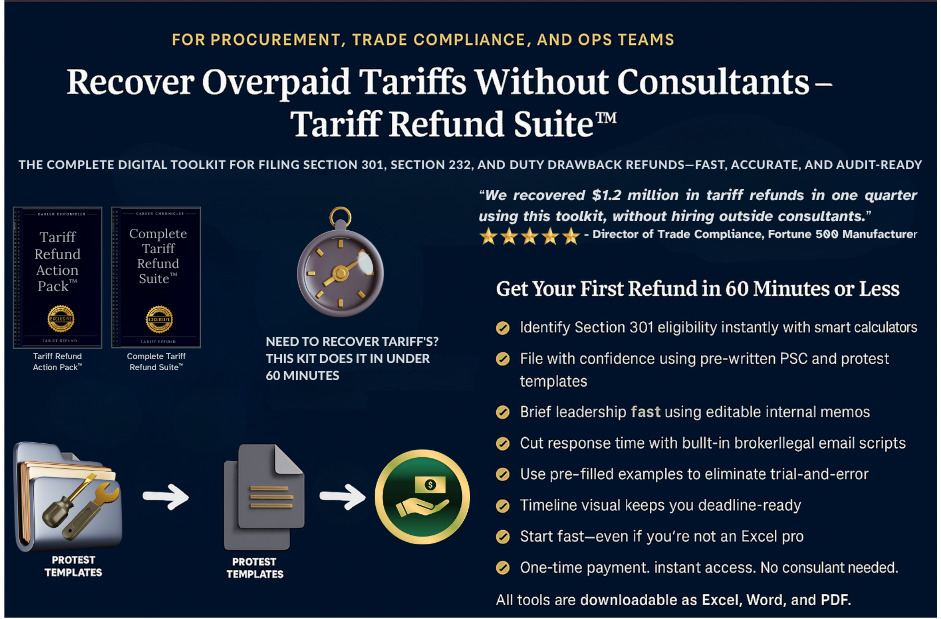
A Complete Tariff Refund Recovery System
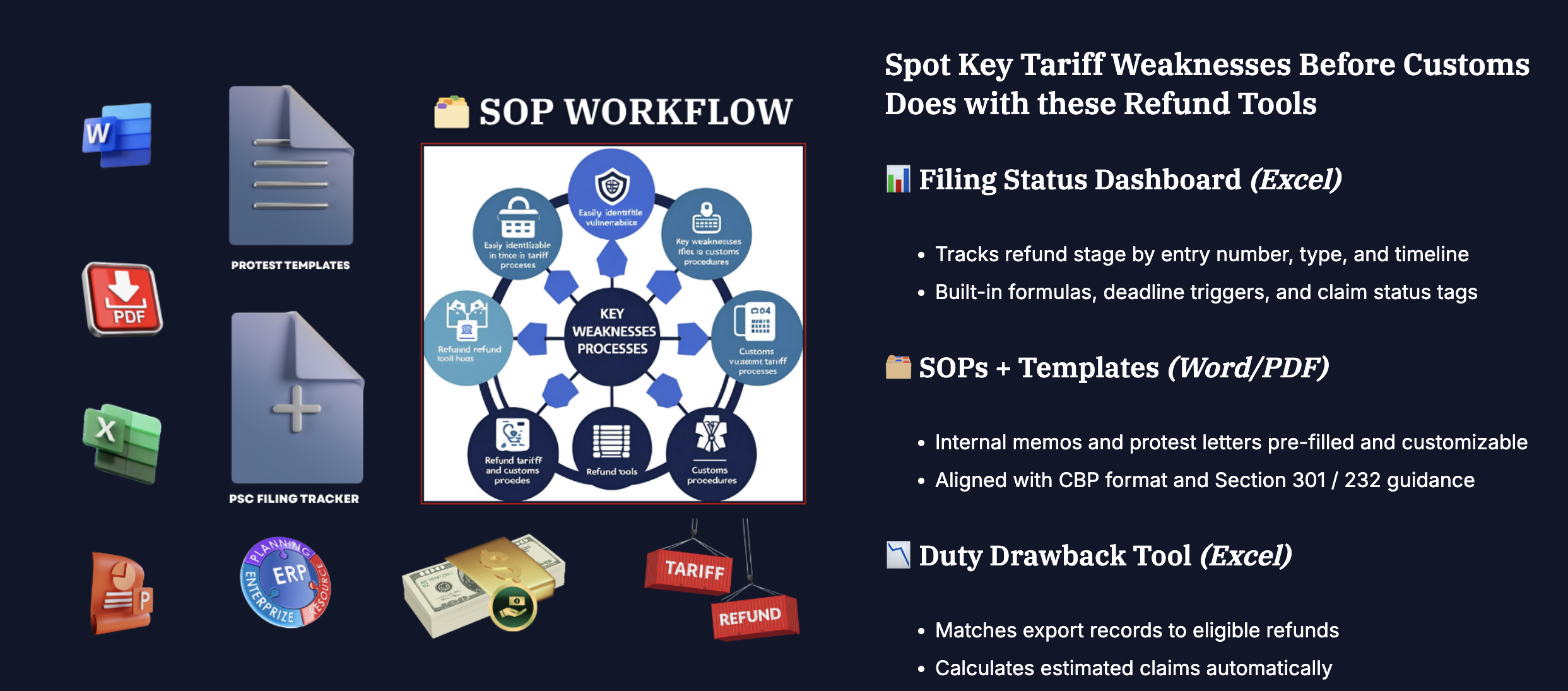
TRS-197 is a complete 11-module refund operating system for Section 301, Section 232, Section 122, IEEPA/CAPE, USTR exclusions, and duty drawback workflows — built around a single 20-tab Excel workbook with connected trackers, dashboards, filing logic, CAPE prep, ROI analysis, and deadline monitoring.
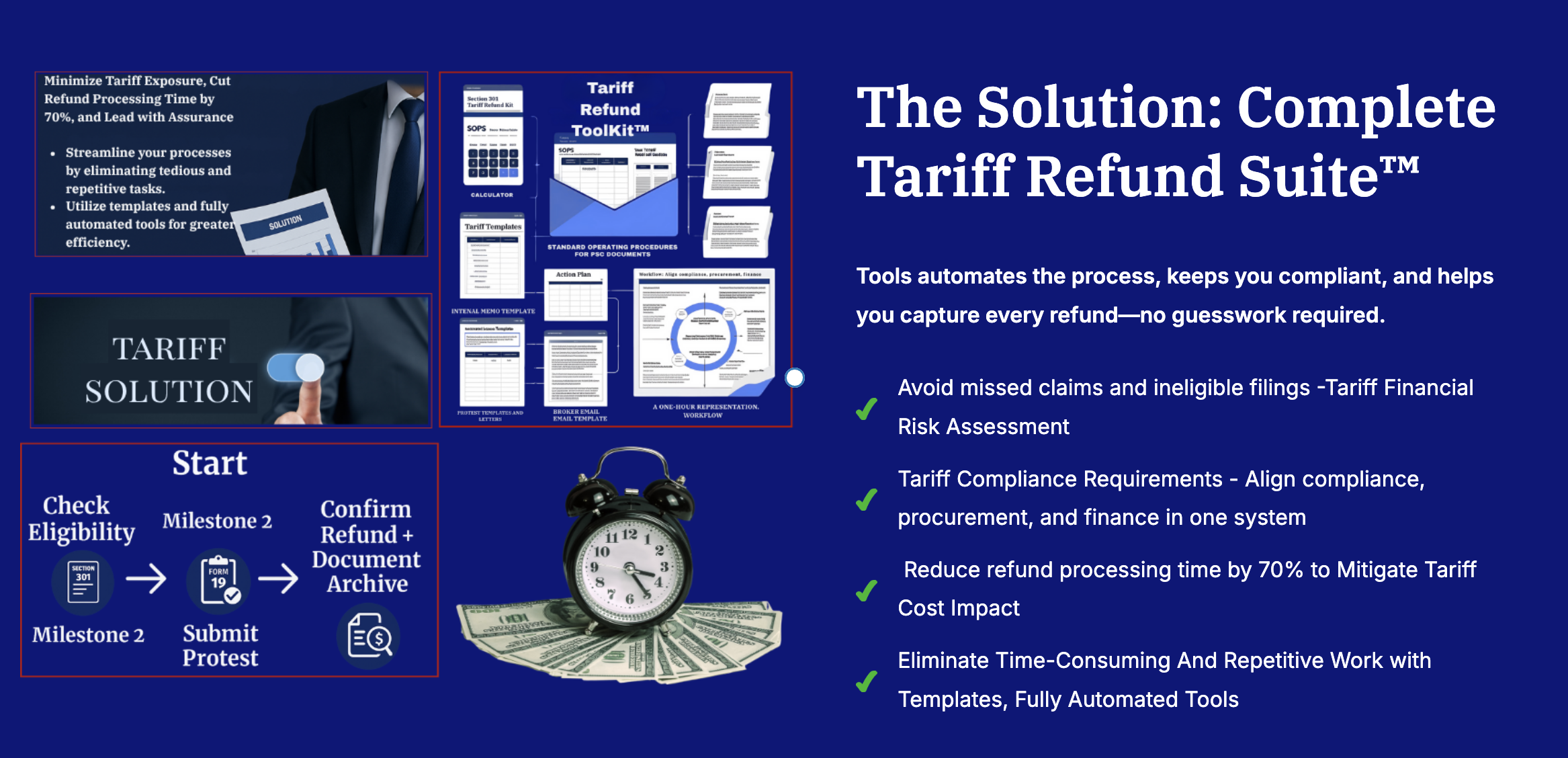
Enter your entries once. The system flags eligibility, calculates deadlines and estimated refunds, routes each entry to the correct filing path, and assembles an audit-ready filing package — plus executive briefing decks for leadership approval.
Every Path. Every Deadline. Every Dollar.
Maximize Recovery
Capture potential refunds across all major tariff categories — 301, 232, 122, IEEPA/CAPE, USTR exclusions, and duty drawback — in one system.
Protect Your Rights
Built-in deadlines, eligibility checks, and filing safeguards so refund windows are tracked and preserved, not missed.
Streamline Compliance
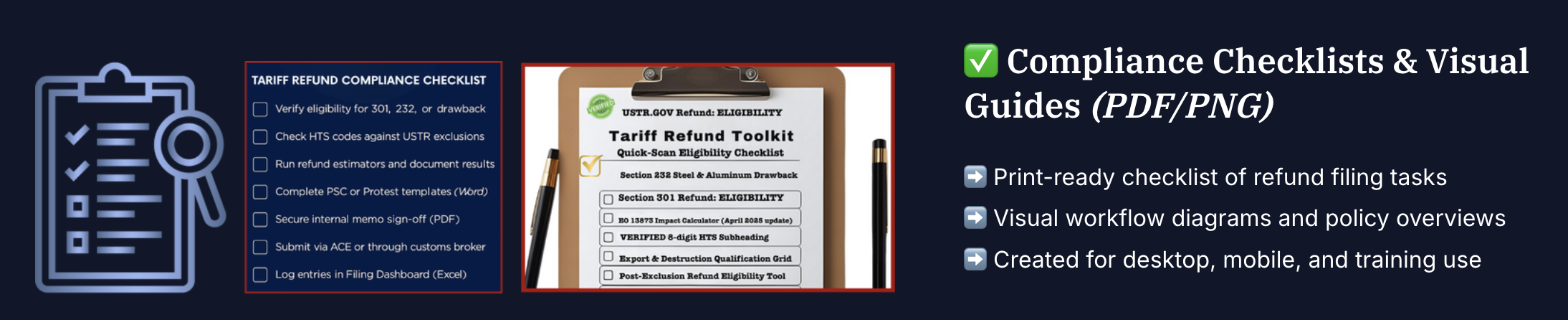
Step-by-step workflows, protest and cover-letter templates, and proof-of-documentation checklists for clean, defensible filings.
Data-Driven Decisions
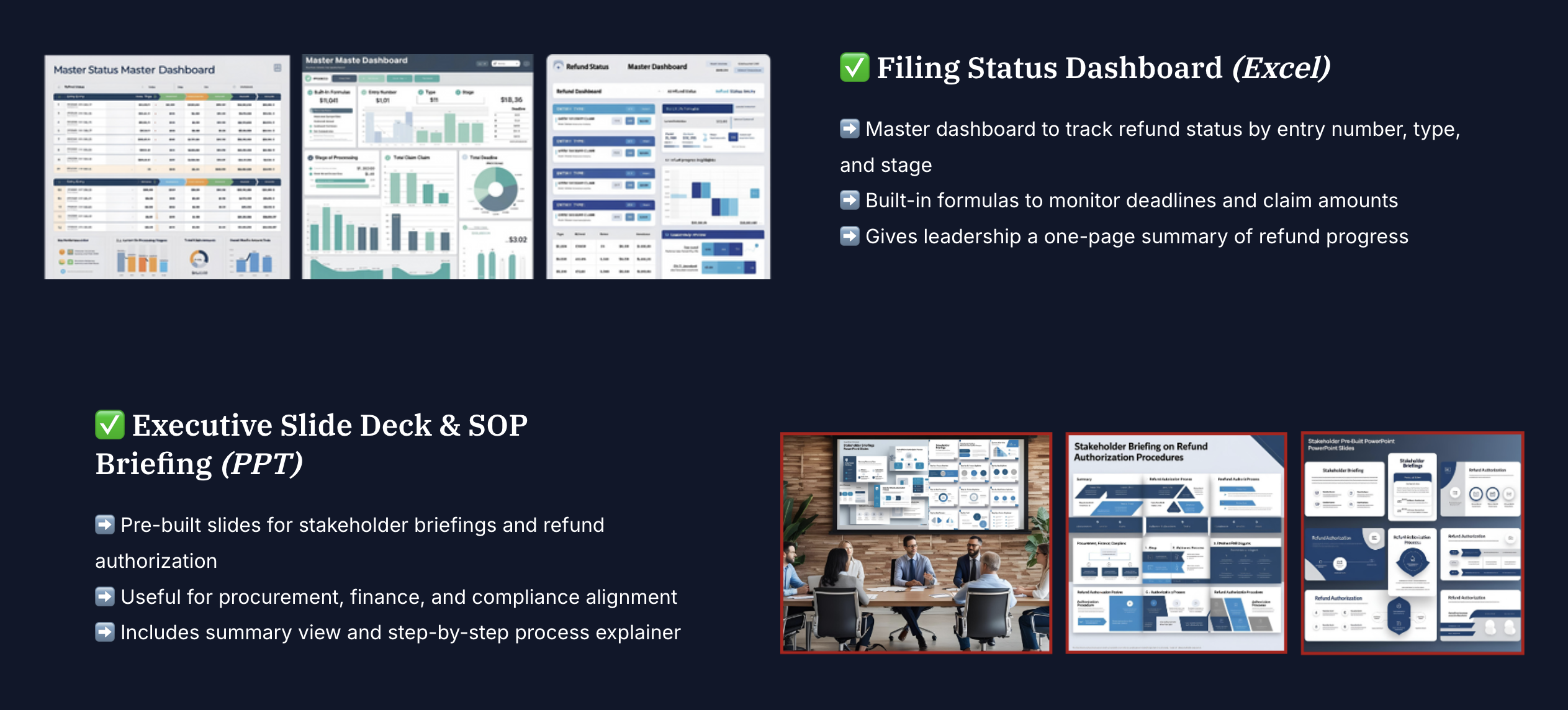
KPI dashboards, ROI analysis, and a Refund Scenario Forecaster for what-if modeling and smarter recovery decisions.
Audit Ready
Organized, defensible, and designed for internal and external review — with executive recovery briefing decks included.
CAPE — Fastest Path
Use the CAPE Submission Prep tab for eligible IEEPA entries and file in as little as 60–90 days for ACH refunds.
One Workbook. 20 Tabs. 11 Modules.
- 01 Instructions
- 11 Section 232 Tracker
- 02 Icon Key
- 12 Section 122 Tracker
- 03 Integration Guide
- 13 Other Remedy Tracker
- 04 Data Input
- 14 KPI Dashboard
- 05 Eligibility Checklist
- 15 ROI Calculator
- 06 Filing Path Decision Model
- 16 Dashboard
- 07 Refund Scenario Forecaster
- 17 Tariff Rates
- 08 Filing Pack Generator
- 18 Lists (reference)
- 09 CAPE Submission Prep
- 19 HELP / FAQ
- 10 Section 301 Tracker
- 20 Copyright & Terms
- 00 — START HERE Start-here guide, quick-start onboarding, walkthrough user guide, terminology appendix, visual status key.
- 01 — MASTER WORKBOOK The 20-tab refund workbook, sample-data workbook, and integration guide.
- 02 — WHICH REFUND AM I ELIGIBLE FOR CAPE vs. PSC vs. Protest SOP, action matrix, liquidation timeline, decision-tree infographics.
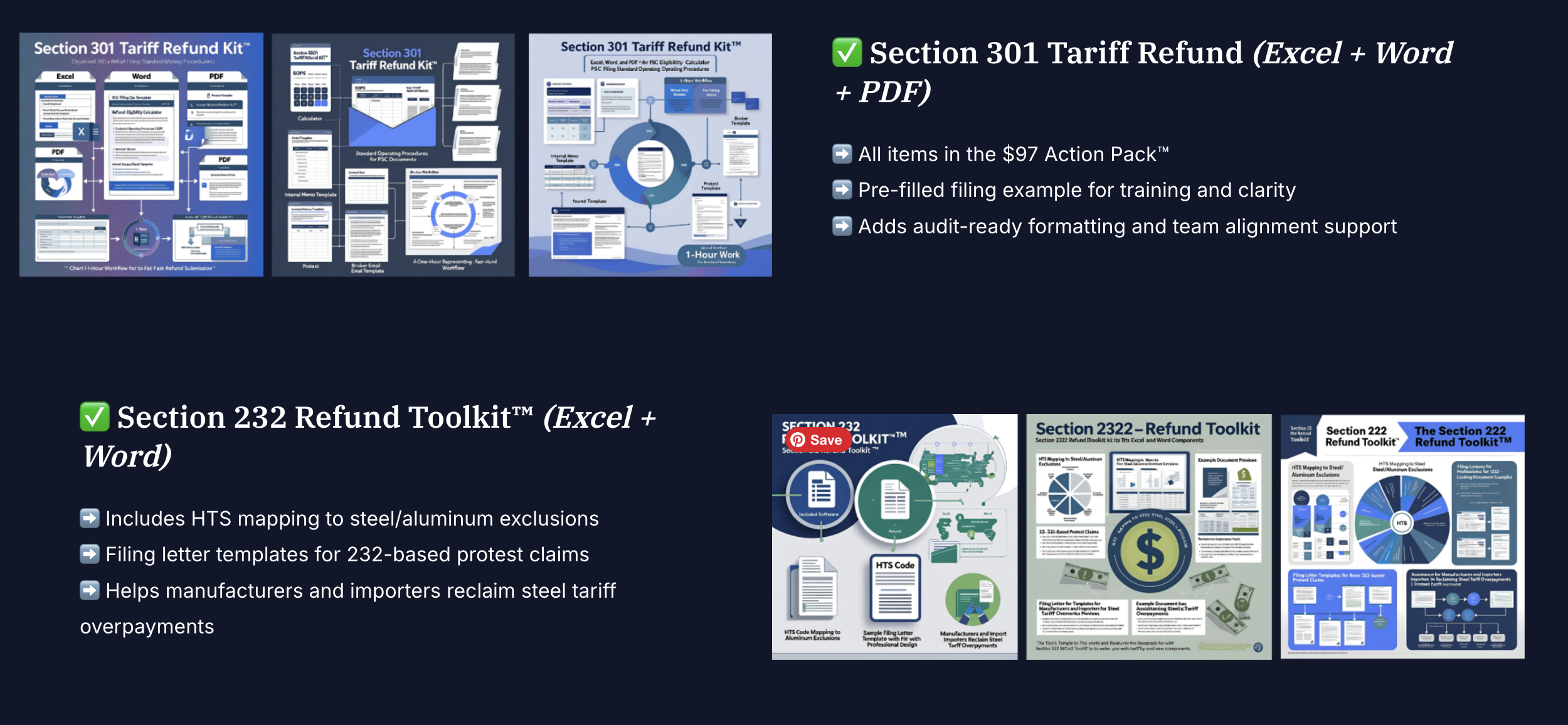
- 03 — SECTION 301 (CHINA) Filing roadmap, 60-minute filing sprint, protest and memo templates, checklists.
- 04 — SECTION 232 (STEEL/ALUMINUM) PSC filing SOP, filing roadmap, sprint, protest/memo templates, checklists.
- 05 — SECTION 122 Refund preservation SOP, filing roadmap, and 60-minute filing sprint.
- 06 — SCOTUS / IEEPA RECOVERY (CAPE) CAPE filing SOP, eligibility decision tree, roadmap, and recovery guide.
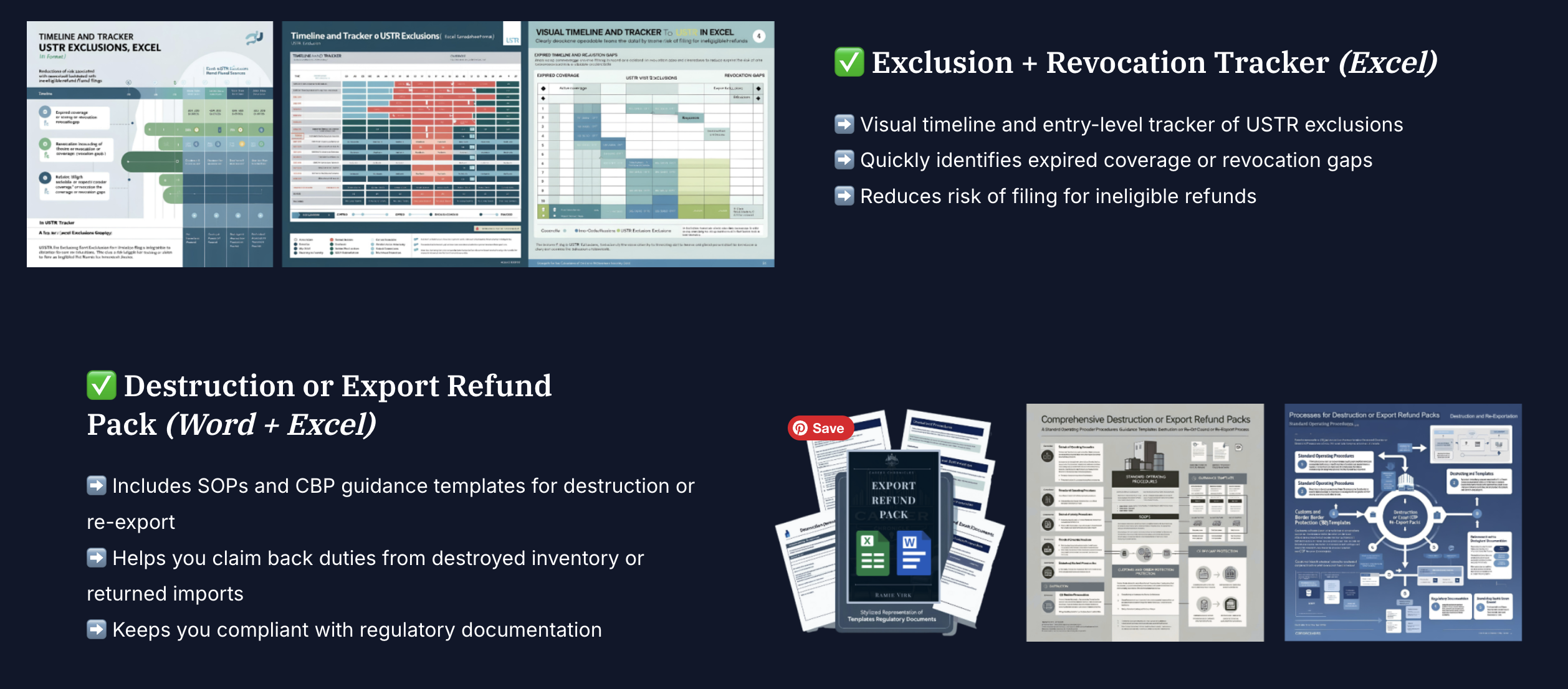
- 07 — USTR EXCLUSIONS Exclusion revocation tracker SOP, 5-step timeline, 60-minute sprint.
- 08 — DUTY DRAWBACK Destruction/export refund pack, drawback filing roadmap, and sprint.
- 09 — UNIVERSAL FILING TOOLS Master cover letter and master protest filing worksheet.
- 10 — EXECUTIVE RECOVERY BRIEFINGS Leadership/C-suite/board briefing decks and README.
- 11 — REFERENCE & GLOSSARIES Eligibility field glossary for workbook fields and logic.
A Guided Look at the Refund Engine


Who Uses the Tariff Refund Suite
- ◆ Procurement teams reviewing recovery opportunities
- ◆ Finance & FP&A recovering overpaid duties
- ◆ Trade compliance & customs teams
- ◆ Operations leaders organizing filings
- ◆ Controllers & CFOs quantifying ROI
- ◆ Leadership approving refund recovery
Tariff Refund Suite™ — TRS-197
v2.6 CAPE Edition — Complete Refund Recovery System
- ✓ 20-tab unified Excel refund workbook + sample-data workbook
- ✓ START HERE guide, quick-start onboarding, full user guide & visual status key
- ✓ Filing-path decision tools for CAPE, PSC, CBP Protest & drawback
- ✓ Section 301, 232 & 122 refund modules
- ✓ SCOTUS / IEEPA (CAPE) recovery module
- ✓ USTR exclusion & duty drawback modules
- ✓ Universal filing tools — broker emails, cover letters, protest worksheets, memos
- ✓ Executive recovery briefing decks + eligibility glossary
Immediate download. No subscription. Works in Excel, Google Sheets & LibreOffice.
Important: This toolkit supports internal review, filing preparation, and executive communication. It does not determine legal eligibility, guarantee refund outcomes, or replace review by a licensed customs broker, customs attorney, or qualified trade advisor.
Everything Importers Ask Before Filing a Refund
If you paid U.S. import tariffs in the last few years, some of that money is likely recoverable. These are the questions that decide whether you leave it with CBP or bring it back.
How do I know if I qualify for a tariff refund?
If you imported goods into the U.S. and paid Section 301 (China), Section 232 (steel/aluminum), Section 122, IEEPA, or antidumping/countervailing duties, you very likely have refundable entries. Whether you can recover depends on which tariff you paid and whether the entry is still open (unliquidated) or already finalized (liquidated).
TRS-197 screens every SKU you enter across all four pathways at once and tells you exactly which refund applies, so you are not guessing.
How much can I actually recover?
It scales with your import volume and which tariffs you paid, but the numbers are material. IEEPA tariffs alone have driven more than $23 billion in approved CAPE refunds. In the Suite's worked example, a single China battery SKU shows $68,750 in refundable duty and a $58,437 estimated refund at an 85% success rate.
The Refund Scenario Forecaster pulls your units, unit cost, and tariff rate straight from your data and calculates your refundable duty and estimated refund before you commit a minute to filing.
What's the difference between Section 301, 232, IEEPA, and drawback?
Section 301 covers Chinese-origin goods; Section 232 covers steel and aluminum; IEEPA tariffs were the emergency-powers tariffs the Supreme Court struck down in February 2026; duty drawback applies when you later export or destroy imported goods. Most importers have a mix. The Eligibility Checklist reads your entries and labels each one automatically.
Is it too late if my entry already liquidated?
Usually not. Once an entry liquidates, you have exactly 180 days to file a CBP Protest (Form 19) -- your last window to recover overpaid duties on a finalized entry. Separately, duty drawback claims run up to 5 years from import.
TRS-197 calculates your liquidation date and every downstream deadline for each entry, so a window never lapses without you seeing it coming.
What is a PSC versus a Protest, and when do I use each?
A Post-Summary Correction (PSC) is filed before liquidation to fix the duty on an open entry -- up to 300 days from entry, or 15 days before liquidation, whichever comes first. A Protest (Form 19) is filed after liquidation, within 180 days. The Filing Path Decision Model tells you which route each entry is on.
Why can't I just wait to see how the litigation plays out?
Because the deadlines do not wait for the courts. CBP has asserted it cannot refund finally liquidated entries without an importer-specific court judgment, and the government has appealed the universal refund order. If your entries are CAPE-eligible now, waiting risks lost time -- if they are already finally liquidated, your protest and litigation windows close on their own schedule.
What is CAPE, and do I need it?
CAPE (Consolidated Administration and Processing of Entries) is CBP's official IEEPA refund portal inside the ACE Secure Data Portal. You upload a CSV of eligible entry numbers and CBP issues ACH refunds, generally within 60-90 days.
CAPE is the mailbox, not the letter -- it does not tell you which entries qualify or calculate your refund. TRS-197 builds the CAPE-ready CSV and routes non-IEEPA entries to Protest, Drawback, or PSC.
If CBP built a free portal, why do I need to pay for anything?
CAPE handles one step of a multi-step process, and only for IEEPA. It will not identify your eligible entries, compute your refundable duty, manage your deadlines, generate your Form 19 or broker emails, or give leadership a recovery report. The portal is where you submit; the Suite is how you know what to submit.
Why not just hire a customs broker?
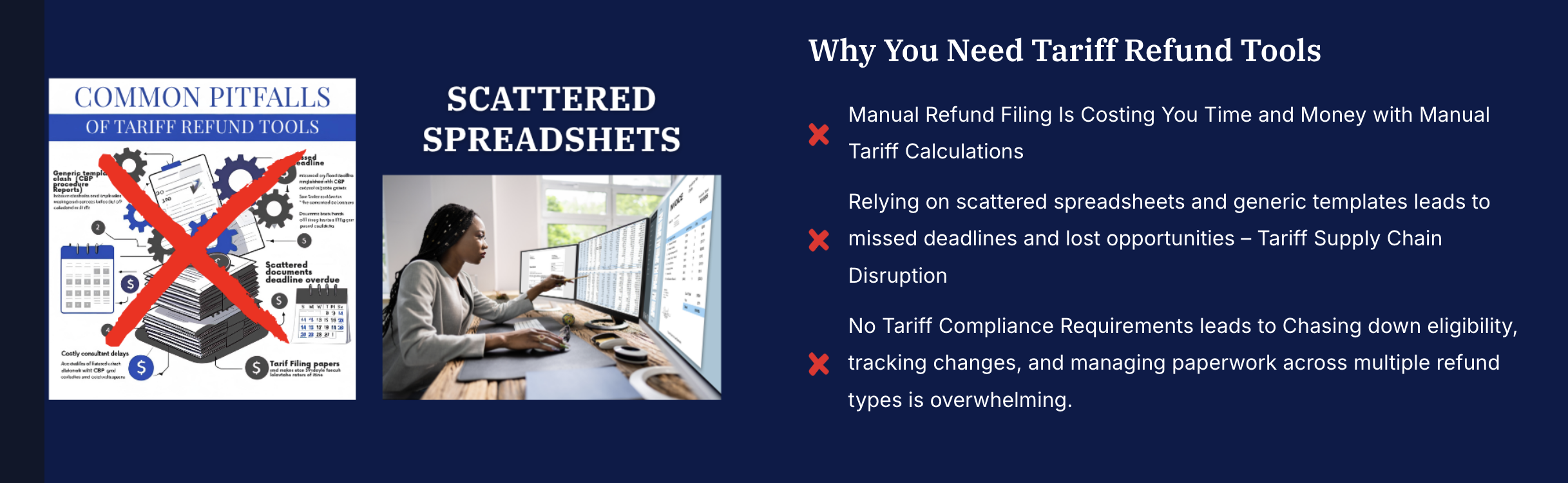
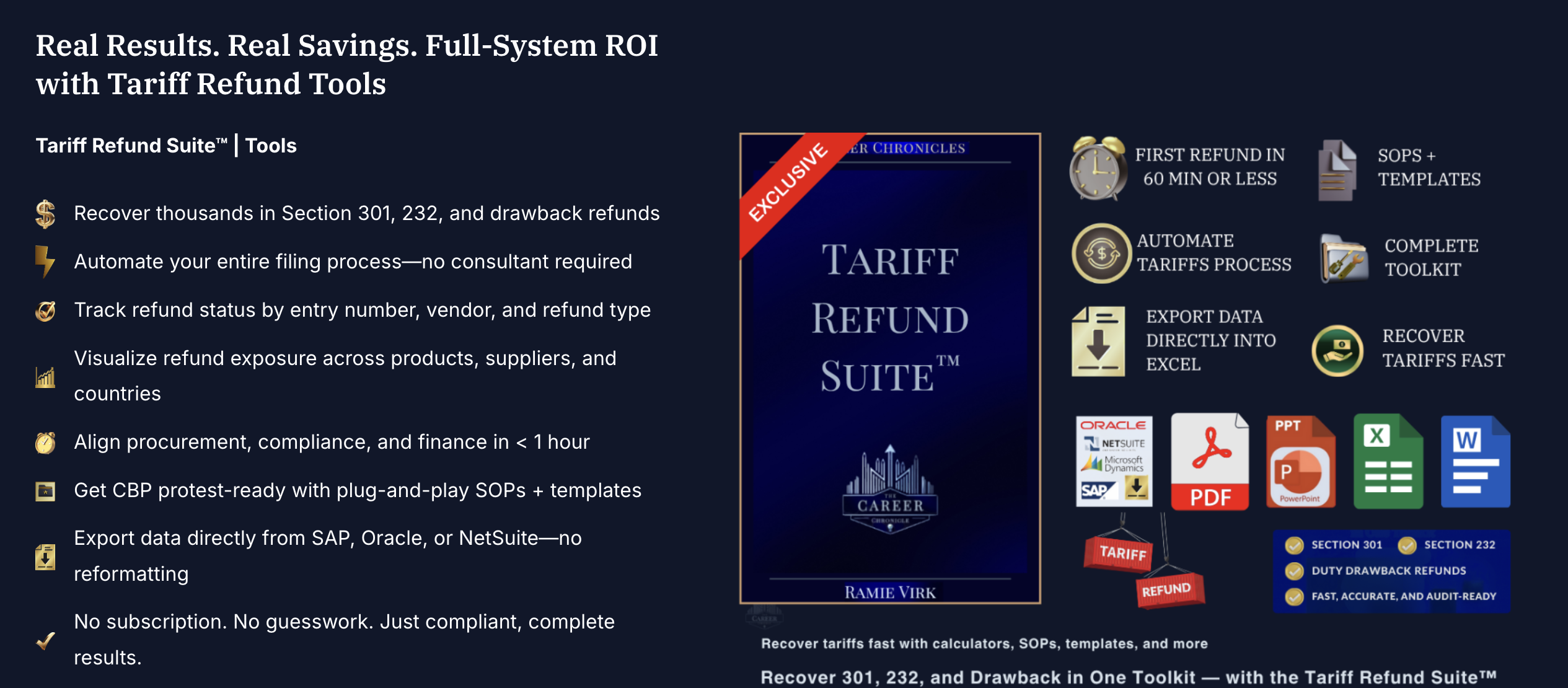
Customs brokers typically charge $5,000 to $15,000 per refund cycle, often a percentage of what they recover. TRS-197 is a one-time $197 purchase that gives your team the same workflow, templates, and decision logic in a workbook you own. Most teams file their first refund within 60 minutes, and the Suite formats outputs for broker handoff if you want to use both.
Do I need to be a customs or trade expert to use this?
No. You type raw import data into one tab -- SKU, supplier, country, units, unit cost, HS code, import date. Everything else, including tariff rates, eligibility, deadlines, and refund estimates, calculates itself. The workbook is locked so you can only type in the input cells and cannot break a formula.
I only have a handful of entries. Is this overkill?
If those entries carried Section 301, 232, or IEEPA duties, even a handful can represent thousands of dollars. At $197 one-time, the Suite pays for itself on the first small refund, and you keep it, updates included, for every future entry.
What exactly do I get, and are updates included?
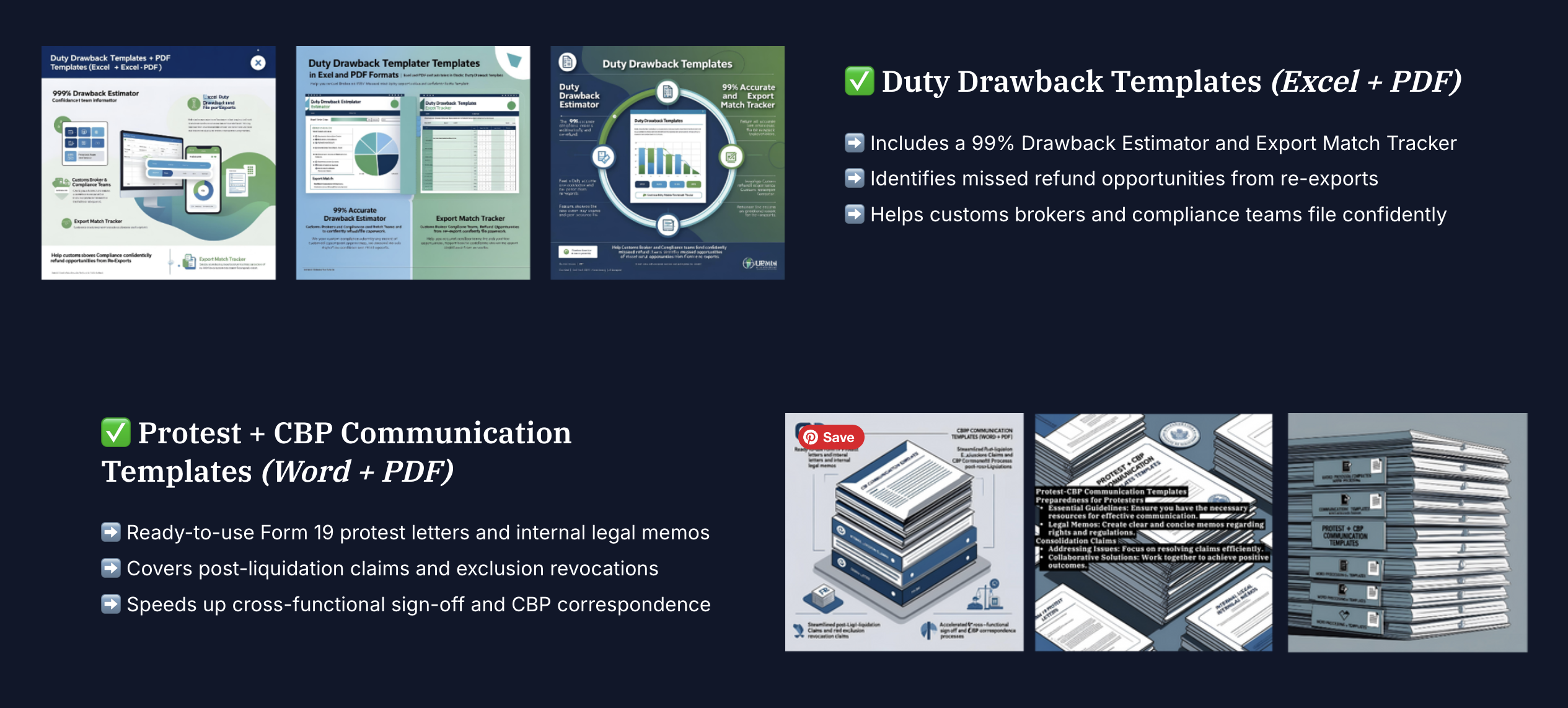
You get the 20-tab Master Workbook with auto-calculated eligibility and refunds, CAPE Submission Prep, 30+ Word filing templates, 15+ PDF SOPs and checklists, and Executive Recovery Briefing decks. It's a one-time $197 purchase, and every future update is free, forever.
The same refund, three ways to get it:
| Do It Alone | Customs Broker | TRS-197 | |
|---|---|---|---|
| Cost | Your time | $5K-$15K / cycle | $197 one-time |
| Finds eligible entries | Manual research | Yes | Automatic screening |
| Calculates refund | Spreadsheet math | Yes | Built-in forecaster |
| Tracks deadlines | On you | Yes | Auto-calculated |
| Filing templates | Build from scratch | Broker's | 30+ included |
| You own the workflow | Yes | No | Yes, forever |
“I googled how to file a PSC. This kit gave me the exact steps, timelines, and templates. We got $48,000 back.”

—Logistics Lead
U.S. Consumer Goods Importer
Finally, something that explains duty drawback without a lawyer. It’s all there—checklists, calculators, and real answers.”

Sourcing Director
Automotive Firm
TAF-097 is the data backbone for TRS-197. Paste 3,327 verified HTSUS 2026 rate lines into the Tariff Rates tab and every HS Code lookup across your new workbook — Data Input, all 4 Section Trackers, the Refund Scenario Forecaster — auto-fills Tariff Rate and Product Category instantly. Zero formula changes required.
- ✓ 3,327 verified HTSUS 2026 rates — vs. the 372 built into TRS-197 alone
- ✓ Auto-fills Tariff Rate + Product Category across every tab, every entry
- ✓ Eliminates manual HS Code rate lookup entirely